
A Modern Must: Password Managers
In today's digital age, password management has become a significant concern for individuals and businesses alike. With the rise in cyber threats, using weak and easily guessed passwords can lead to data breaches and identity theft. Password managers have emerged as an essential tool for managing and securing passwords. We will explore why using a password manager is crucial in modern times and list three popular password managers and their benefits.
WHY USING A PASSWORD MANAGER IS ESSENTIAL
Stronger Passwords: Password managers generate and store complex, strong passwords that are unique to each account. This significantly reduces the risk of a hacker gaining access to all your accounts by guessing your password or using the same password across multiple accounts.
Easy to Use: Password managers simplify the process of remembering and entering passwords. Instead of memorising or writing down passwords, users only need to remember one master password to access their password manager.
Time-Saving: Password managers can auto-fill login credentials, saving users the time and effort required to manually enter usernames and passwords.
Secure: Password managers use encryption to ensure the security of user data. This makes it difficult for hackers to access user information even if they manage to breach the password manager.
Multi-Device Access: Password managers allow users to access their login credentials across multiple devices. This means users can easily login to their accounts from their desktop, laptop, tablet, or phone without having to remember passwords.
POPULAR PASSWORD MANAGERS AND THEIR BENEFITS
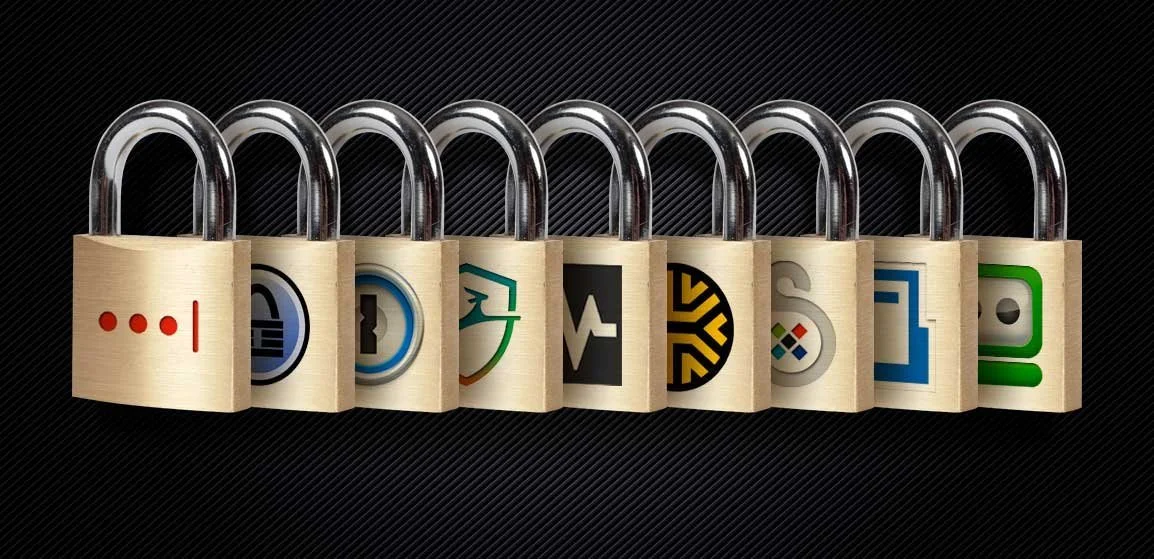
LastPass: LastPass is one of the most popular password managers, offering a range of features including password generation, auto-fill, and multi-device access. LastPass also offers a secure digital vault to store sensitive information like credit card details and social security numbers.
1Password: 1Password is a comprehensive password manager that offers a variety of features including password generation, auto-fill, and multi-device access. 1Password also includes a feature called Watchtower, which alerts users to potential security breaches or password vulnerabilities.
Bitwarden: Bitwarden is a free and open-source password manager that offers features such as password generation, auto-fill, and multi-device access. Bitwarden also offers a variety of two-factor authentication options for added security.
CONCLUSION
Using a password manager is essential in modern times to protect personal and sensitive information from cyber threats. By using a password manager, users can generate strong and unique passwords, easily manage their login credentials, and save time. The popularity of password managers has resulted in many options available in the market, including LastPass, 1Password, and Bitwarden, each offering unique benefits to suit different user needs. Ultimately, the use of a password manager is a necessary step in securing personal information and protecting against cyber threats.
At Arrow, we not only utilize a password manager ourselves, but we also highly encourage our clients and staff to follow suit for their own personal protection.